Credits pay for the work the AI does for you. One credit costs $0.01. Messages that you and your team write yourselves are free.

What uses credits

In the dashboard, a small coins icon marks everything that uses credits. Hover over it, or tap it on a phone, to see how many it will use.

How credits are counted

The AI uses credits by how much it reads and writes for each job.
  • What it reads: your instructions, the knowledge it needs, and the conversation so far.
  • What it writes: its answer.
Short questions use fewer credits. Long conversations use a few more. A typical reply uses about 1.5 credits. The price is the same whichever AI model does the work. Days are counted in UTC, the world’s standard clock (the same as London time in winter). Your billing month uses UTC too. So a day in the usage chart may not start at midnight where you are.
The AI measures what it reads and writes in tokens. A token is a small piece of a word.
  • Reading costs $5 for every million tokens. That’s 500 credits per million tokens read.
  • Writing costs $25 for every million tokens. That’s 2,500 credits per million tokens written.

See where they went
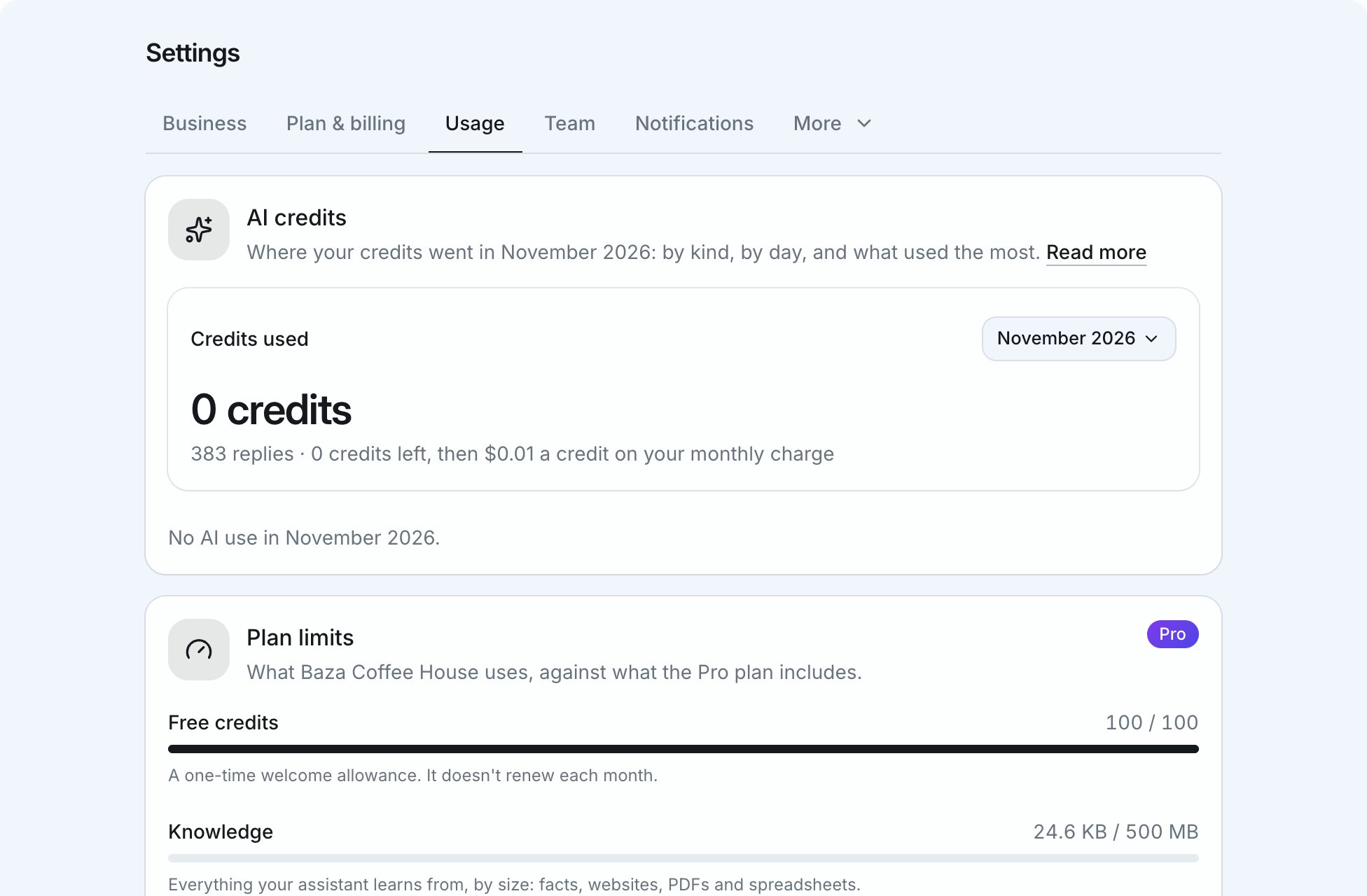
Settings, Usage, with credits used and plan limits
Settings → Usage shows how your credits were used, this month or an earlier one:
  • The credits used
  • A chart, day by day
  • What used them
  • The conversations that used the most
  • The websites and files that cost the most to read

Running low

We email you when you have 20 credits left, and again when they run out. With no credits, your assistant stops answering. Nothing is lost. Buy credits or add a card, and it starts again straight away. While it’s stopped, customers on your website chat and chat page see your contact details. They can also let you know they stopped by.