

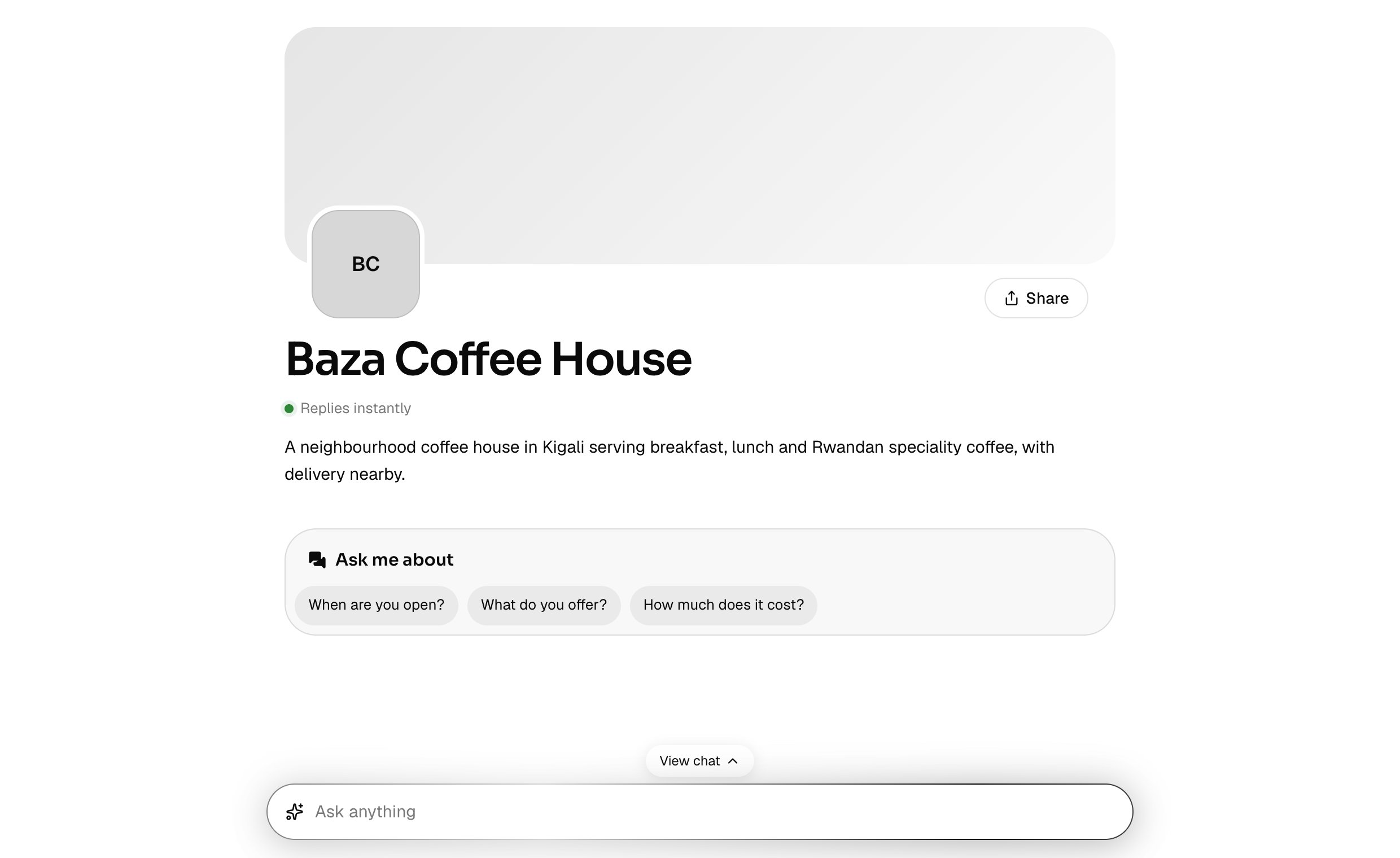
yourname.baza.chat. Customers open it, see who you are and start chatting with your assistant straight away.
Share it anywhere: in your social media bio, on receipts, in your email signature, or printed as a QR code.
What’s on it
- Your business name, logo and cover picture.
- A short headline and a few lines about you.
- Your contact details and links.
- A few suggested questions, so customers can start a chat with one tap.
Set it up
Suggested questions
Suggested questions sit under your greeting, so customers can start with a tap. Your chat page and your website chat share one list:- Your chat page shows up to 5, under Ask me about.
- Your website chat shows the first 3, under its greeting.
- Leave every row empty and save. Baza writes up to 5 questions your customers are likely to ask and your assistant can really answer. It uses what you’ve taught it: your facts, website and files. Each time you add or remove something, it writes them again a moment later. Until your assistant knows anything, they’re general questions any business is asked.
- Import from quick answers fills the rows with the questions your facts already answer, in your own words first.
Change your address
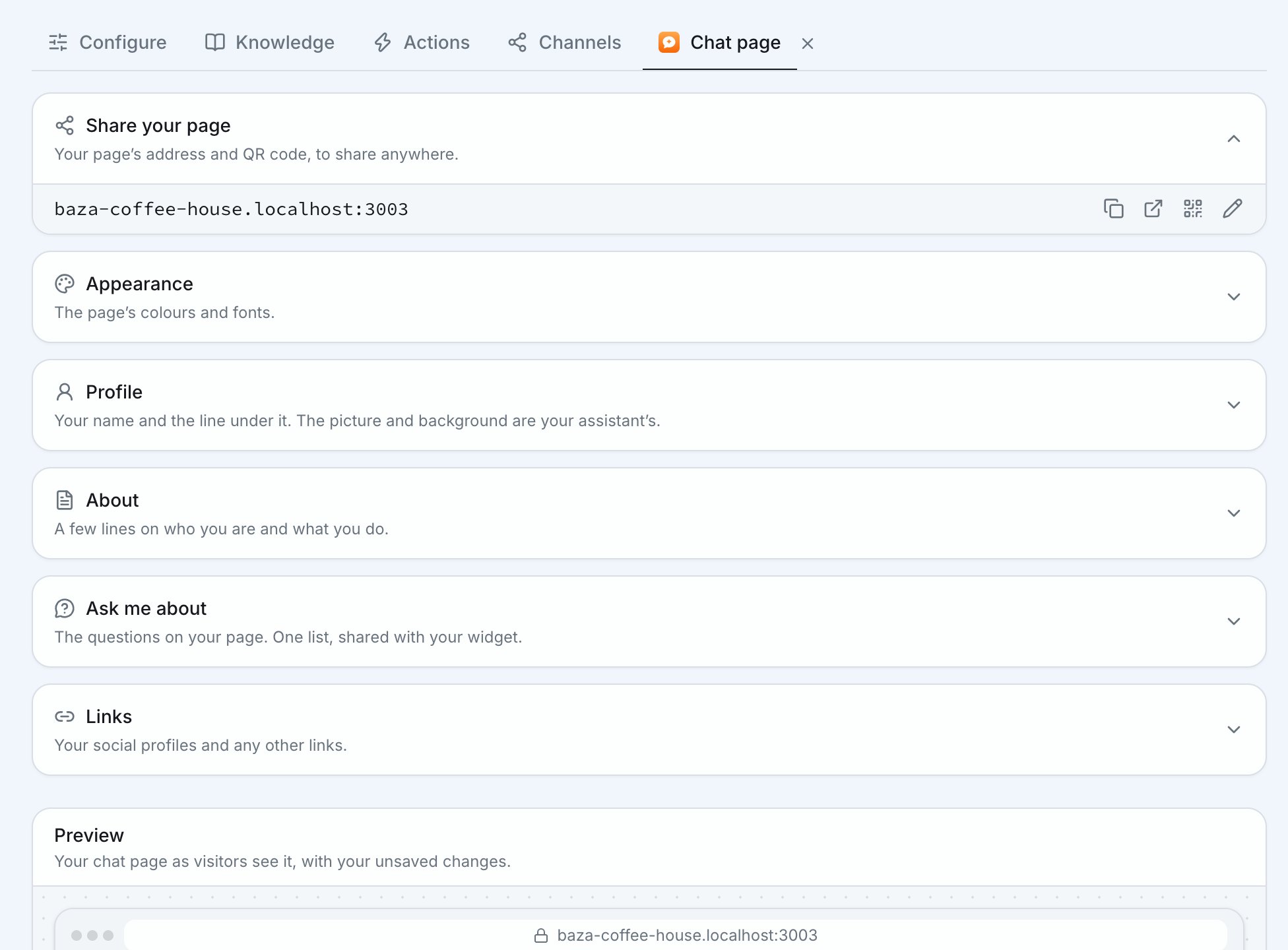
Your address is made from your business name. On Pro you can change it to one you choose.1
Open the address
In the chat page’s settings, press the pencil (Change address) beside
Your address.
2
Pick a new one
Choose something short that customers can type or remember. Use 3 to 63
characters: small letters, numbers and hyphens, never two hyphens together.
Baza checks it’s free as you type.
3
Save it
Press Save address.